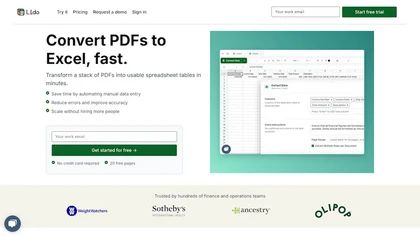
Lido PDF to Excel Reviews
Ratings by Feature
Recent Customer Reviews (4)
Sod Thomas
Perfect AI Data extraction tool for our document processing workflowsLido was able to help my team extract numerous document types, enrich the data, and then use an API to automate sending data to ERP and CRM system. I could not find another tool that performed as well for handwritten and scanned documents. Can take a second to understand all of the features and how to use them but the customer support is at least quick to respond and support when we needed it.
View replies
Adrian
Lido.app stands out for its ease of use and AI-driven capabilities that require no complex setup or template training.Template-Free AI: The core strength of Lido is its advanced AI/ML technology, which can automatically identify and extract relevant fields (invoice number, date, amount, line items) from any vendor's format without prior model training. High Accuracy: It boasts high field-level accuracy, even with scanned images or complex layouts, minimizing errors associated with manual entry. Flexible Inputs: Users can upload documents in bulk via PDF, image files, email forwarding, or automated imports from shared drives like Google Drive and OneDrive. Structured Output: Data is extracted into clean, organized, tabular formats, ready for use in spreadsheets or other systems. Integration: It provides options to export data directly to Excel, Google Sheets, QuickBooks, or other ERP systems, with API access available in higher-tier plans for seamless workflow automation. Data Cleaning: The platform includes features for automatically cleaning and standardizing data formats (e.g., number formats, categorization).
View replies
Jan Phillips
View replies
Sabine Hoffmann
View replies